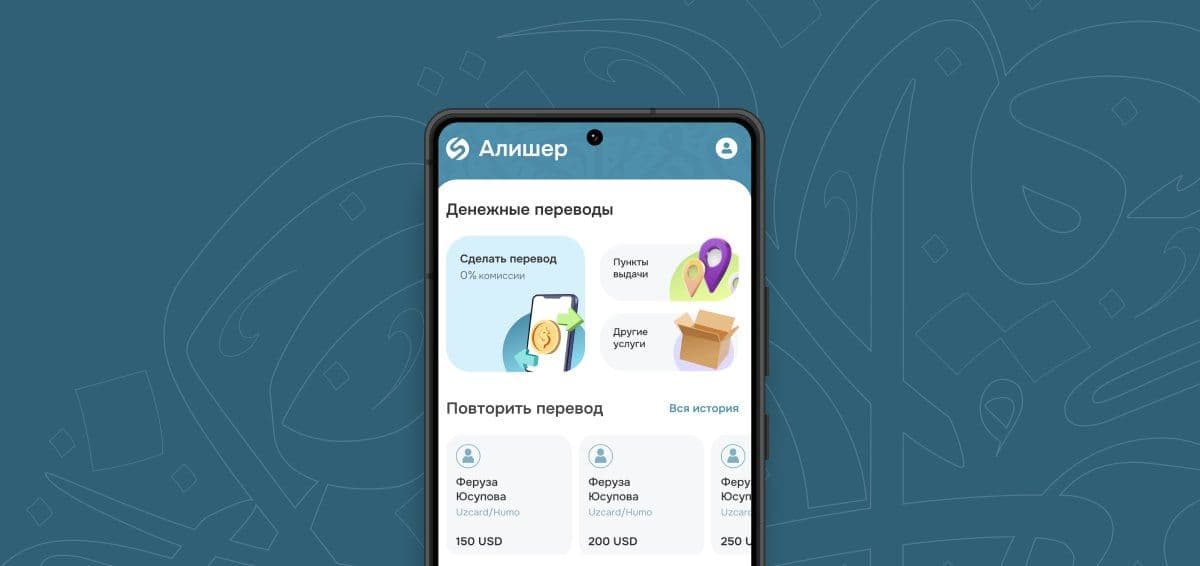
With the SalamPay app, you can send money to Uzbekistan in several ways:
— cash pickup via ASIAEXPRESS;
— by card number (UZCARD/HUMO);
— by phone number (UZCARD/HUMO).
In this guide, we’ll look at the most popular method — transferring money by UZCARD/HUMO card number.
Step-by-step instructions:
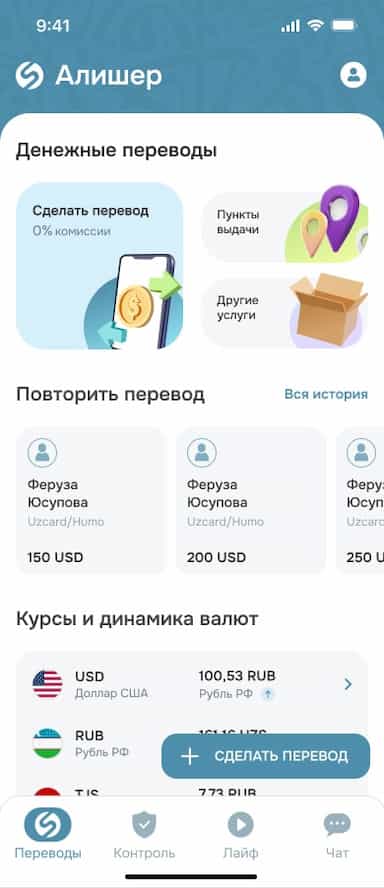
1. On the main screen of the app, tap the “Transfer” button.
2. Select the destination country — Uzbekistan.
3. Choose the transfer method — by card number (UZCARD/HUMO).
4. Select the currency and enter the transfer amount.
5. Check the exchange rate and the amount to be received, then tap “Continue.”
If you are not registered:
1. Complete authorization. Review the terms (offer and agreements) and check the boxes.
2. Enter your phone number and confirm it with the SMS code.
3. Choose a registration method — via Sber ID or manually.
4. Fill in your details (if registering manually):
- citizenship;
- full name;
- date and place of birth;
- passport details;
- issuing authority and date of issue;
- registration address.
5. Review your information and confirm — registration is complete.
Completing the transfer:
1. Enter the recipient’s card details — UZCARD or HUMO number — and confirm that the information is correct.
2. Enter the recipient’s full name and phone number.
3. Review all details. Make sure everything is correct, then tap “Pay.”/
4. Select a card for payment.
If your card is not linked, add it. A window will appear where you need to enter your card details (card number, expiration date, CVC).
5. Confirm the payment and complete the transfer.
After a successful transaction, a receipt will appear. You can immediately notify the recipient about the transfer.
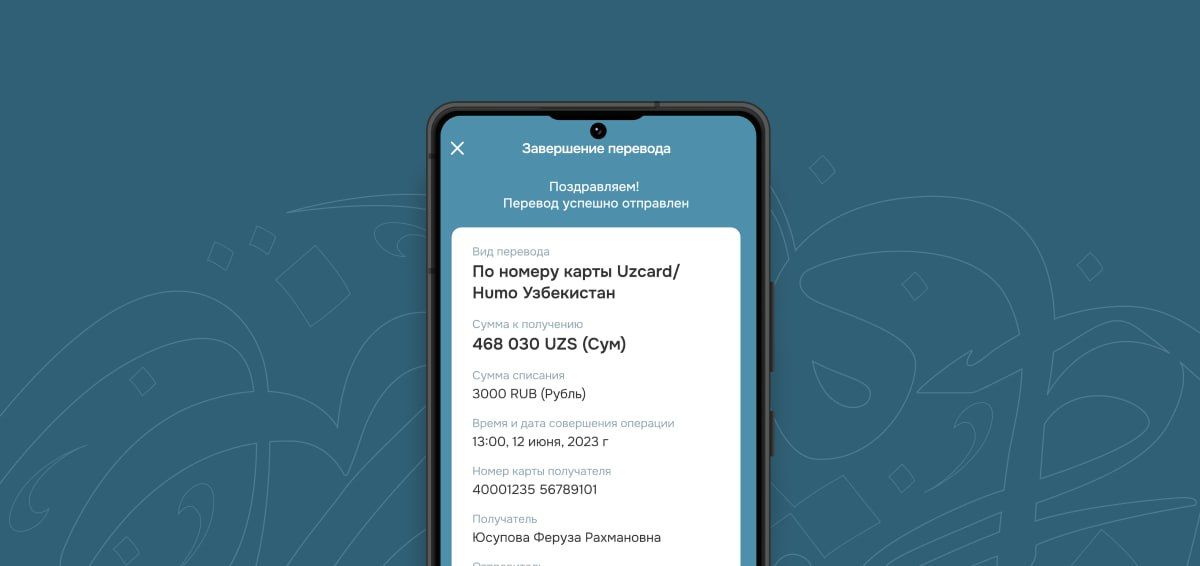
The transfer will be saved on the main screen, so next time you can repeat it with just one click.