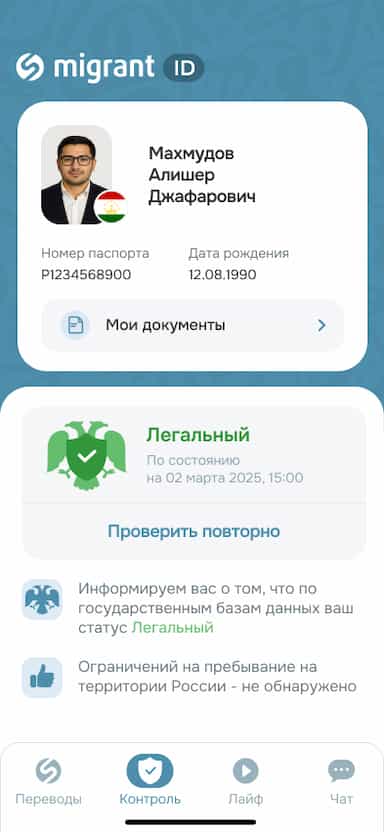

The Migrant ID service helps users check whether their information appears in the Registry of Controlled Persons (RKL). During the operation of the service, we have noticed that many users ask the same questions.
That is why we decided to explain several common situations related to checking your status through Migrant ID. This will help you better understand the results of the check and know what to do next.
Situation No. 1. Migrant ID Shows the Status “Legal,” but Questions Arise at the Russian Border
Imagine this situation: a person checks their status through Migrant ID, sees the “Legal” status, buys a ticket, and travels to Russia. However, upon arrival at the border, they discover that they are subject to an entry ban.
Why does this happen?
The “Legal” status in Migrant ID only means that, at the time of the check, the person was not found in the Registry of Controlled Persons (RKL).
The system does not check whether a person is subject to an entry ban to Russia. Therefore, the “Legal” status does not confirm that there are no entry restrictions.
It is also important to understand that Migrant ID reflects your status only according to the data available at the time of the check. The service is intended for users who are currently in Russia or have recently been there.
If you are planning to travel to Russia, we recommend checking for an entry ban before buying tickets and starting your trip. This can help you avoid unpleasant situations at the border.
You can do this in two ways:
1. Submit an official request to the Ministry of Internal Affairs
This is the most reliable option. The Ministry of Internal Affairs will provide an official response indicating the reason for and duration of any entry restriction. The response usually takes up to 30 days.
2. Through the ruID service on Gosuslugi
Submit an entry application. After the Ministry of Internal Affairs reviews your application, a decision will be issued. If you receive a QR code for your trip, it means that no entry restrictions have been identified.
Situation No. 2. Migrant ID Shows the Status “Legal,” but Problems with Documents Are Discovered Later
Sometimes users contact customer support because Migrant ID displayed the “Legal” status, but later they encountered issues related to their migration status.
One of the most common reasons is an error in the personal information entered during registration.
For example:
- a typo in the first or last name;
- an incorrect date of birth;
- an incorrect document series, issue date, or document number.
In such cases, the system may check the wrong person or fail to find the correct record. That is why we recommend carefully reviewing all the information you enter during registration.
If you notice an error after completing the check, contact customer support. Our specialists will help you correct the information.
Situation No. 3. Customer Support Recommends Contacting the Ministry of Internal Affairs
Sometimes, after reviewing your case, customer support advises you to contact a local office of the Ministry of Internal Affairs. This usually happens when only the government authority can provide additional information.
Do not postpone resolving such issues. The sooner your migration status is clarified, the easier it will be to resolve the situation and avoid possible problems in the future.
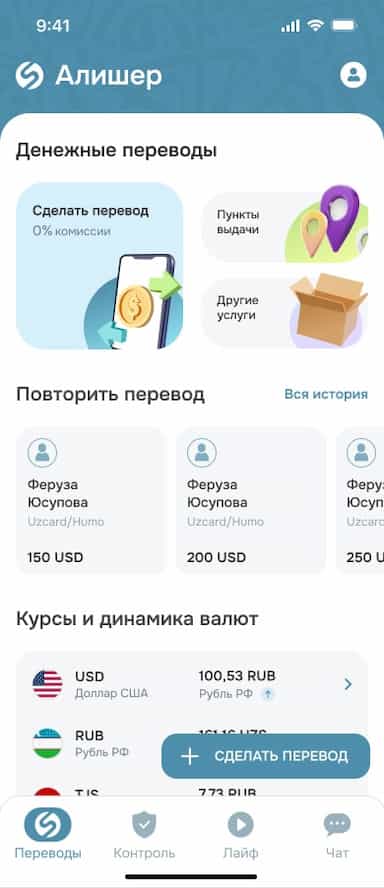
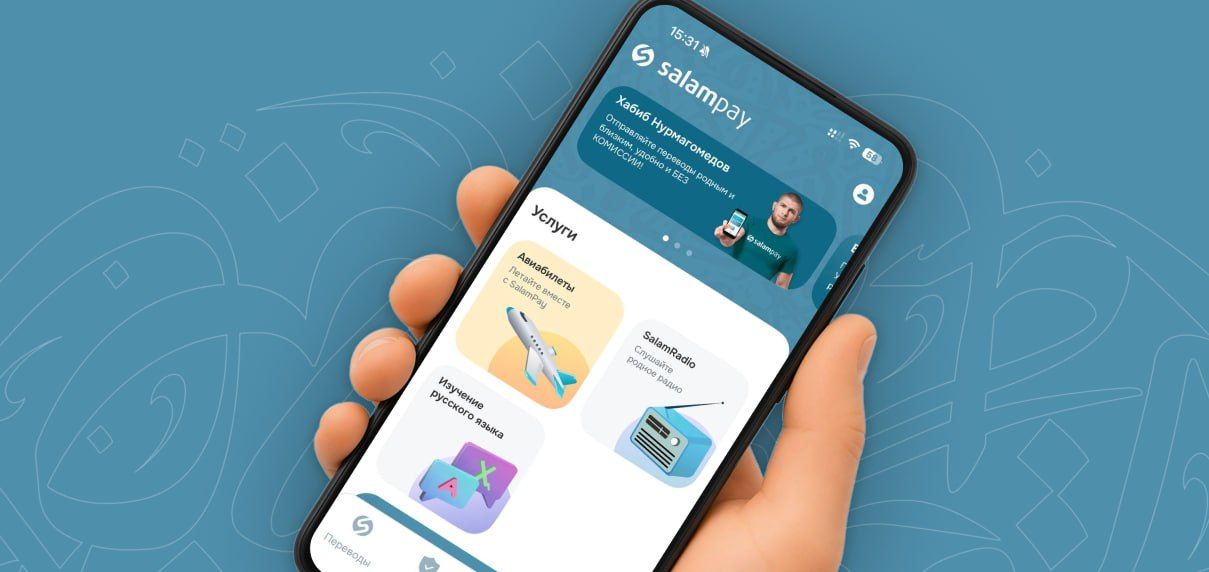
Install SalamPay and check your migration status directly in the app using the Migrant ID service.
Read the latest migration law updates on our Telegram channel.