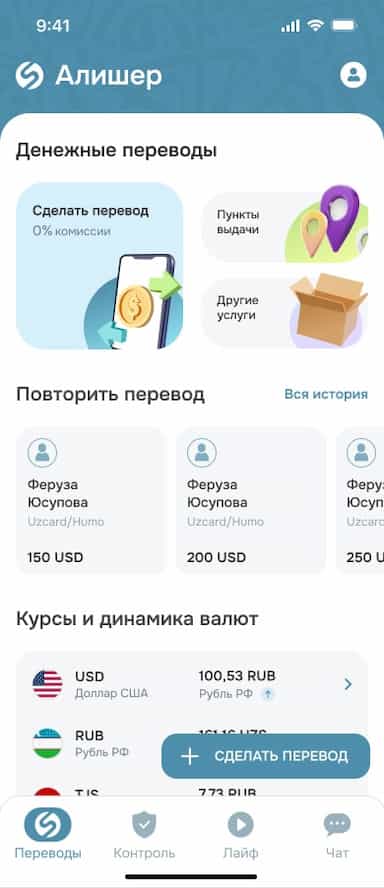
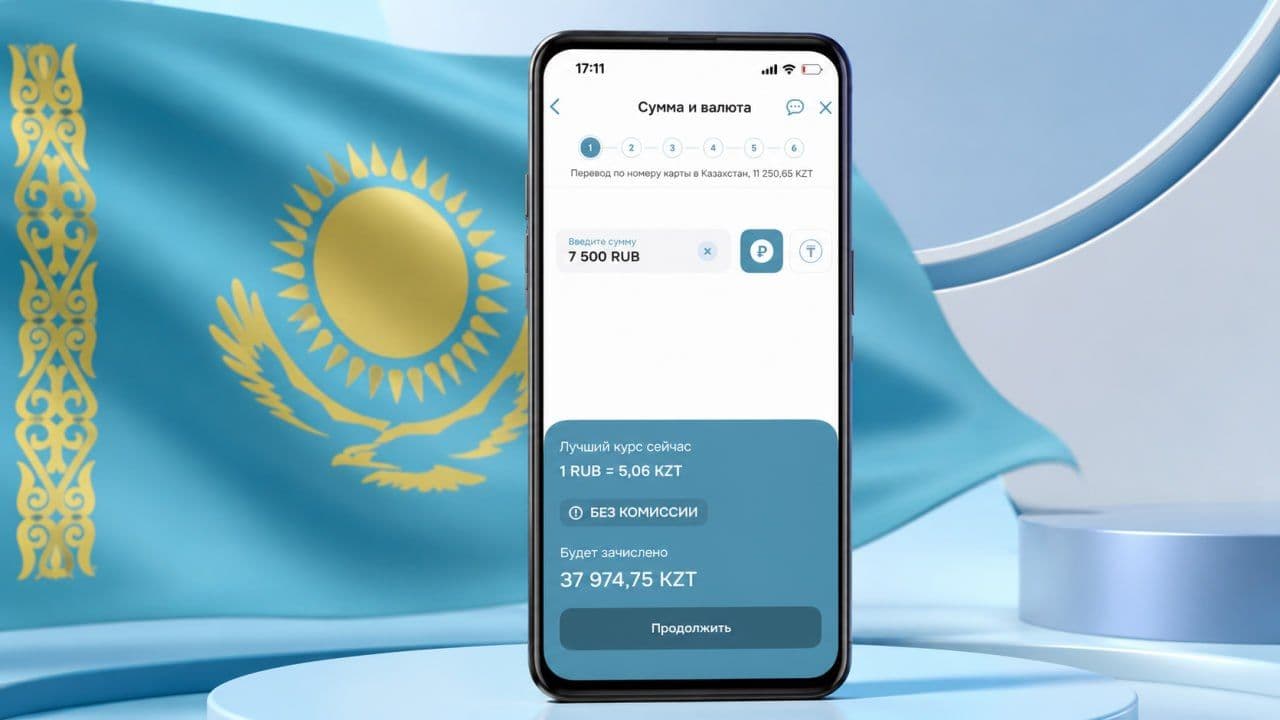
We have added a new destination for money transfers. You can now send money from Russia to Kazakhstan through SalamPay.
If your family or loved ones are in Kazakhstan, there is no need to look for a branch or use a separate transfer service. You can send money directly through the SalamPay app in just a few steps.
How to Send a Transfer
1. Open the SalamPay app.
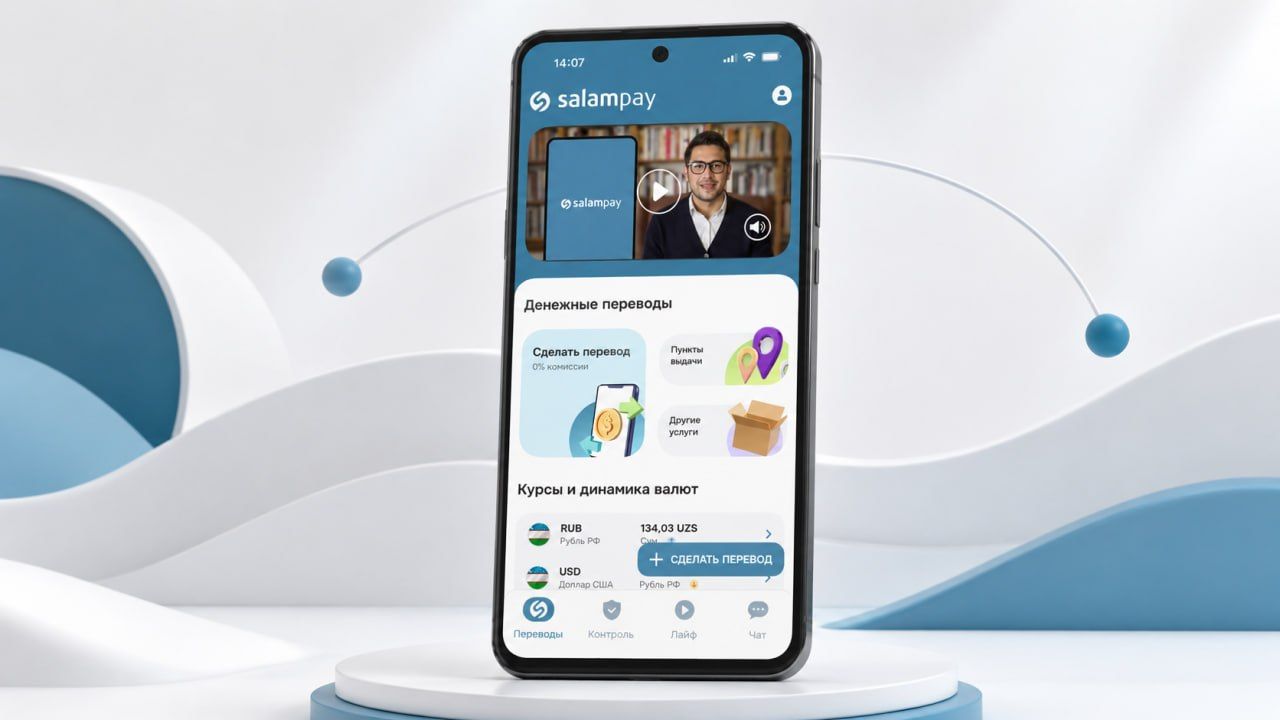
2. Tap “Transfer” on the home screen.
3. Select Kazakhstan as the destination country.
4. Enter the amount you want to send.
5. Check the exchange rate and transfer amount, then tap “Continue.”
6.If you are not registered yet, complete the registration process.
7. Enter the recipient’s card number, full name, and phone number.
8. Check that all the information is correct and tap “Pay.”
9. Select a card for payment or add a new one if you have not linked a card yet.
10. Confirm the payment and complete the transfer.
What Are the Transfer Limits?
You can currently send to Kazakhstan:
- from 1,000 to 50,000 RUB per transfer;
- up to 100,000 RUB per day;
- up to 150,000 RUB per month.
Kazakhstan is now another SalamPay transfer destination, alongside Uzbekistan, Tajikistan, and Azerbaijan.
We continue to develop our service and add new features to help you support your loved ones, even when you are thousands of kilometers apart.
Install SalamPay and send money to your loved ones in Kazakhstan directly through the app.