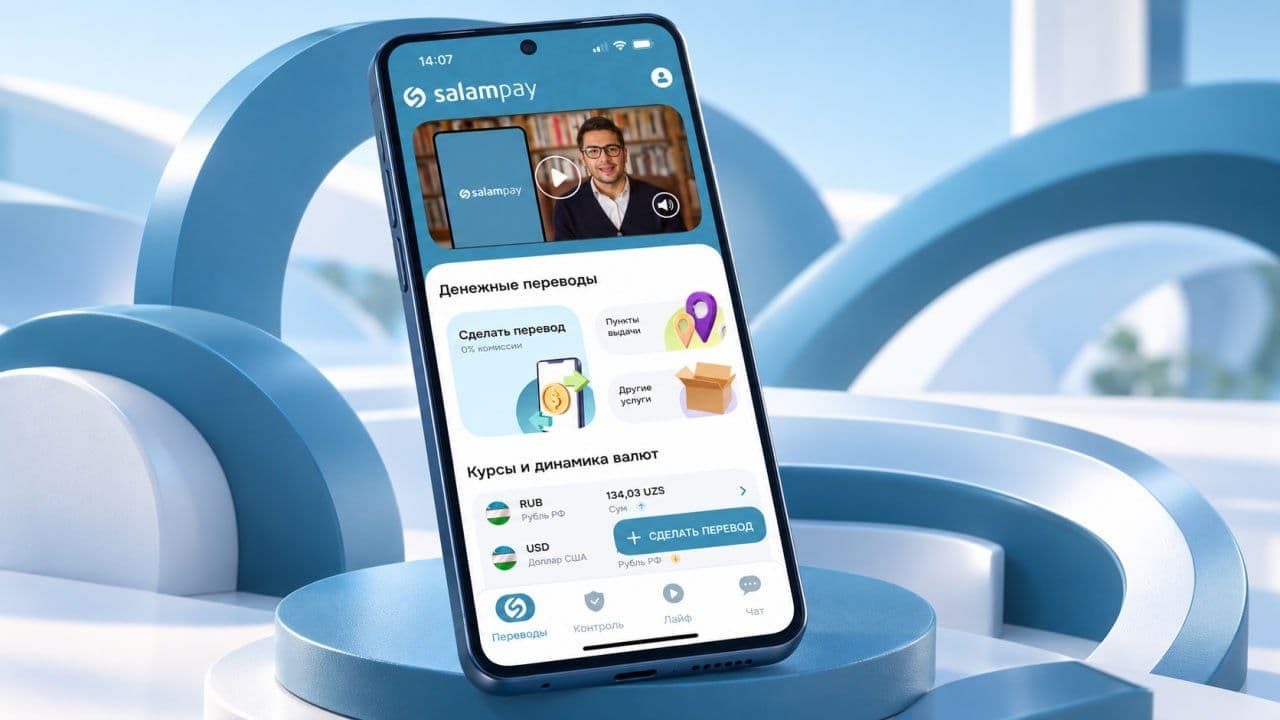
Yes! With SalamPay, you can send money to Uzbekistan using the recipient’s phone number if a UZCARD or HUMO card is linked to it.
Here is how to make this type of transfer directly in the app:
Step 1. Open SalamPay
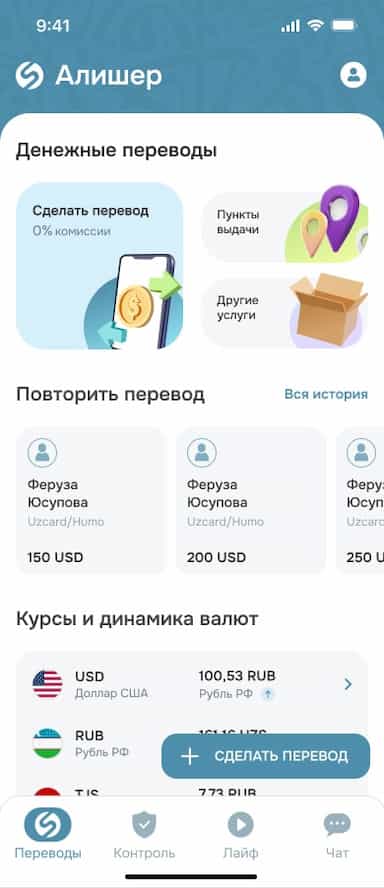
On the home screen, tap “Make a Transfer.”
Step 2. Select the Country
Choose Uzbekistan from the list of available destinations.
Step 3. Choose the Transfer Method
Tap “By Phone Number to UZCARD/HUMO.”
Step 4. Enter the Amount
Enter the amount you want to send. Before continuing, check the exchange rate.
Step 5. Enter the Phone Number
Enter the recipient’s phone number and tap “Continue.”
Step 6. Select the Recipient’s Card
If the system shows several cards, select the one you need. Then check the transfer details again: the phone number, recipient’s name, and transfer amount.
Step 7. Confirm the Transfer
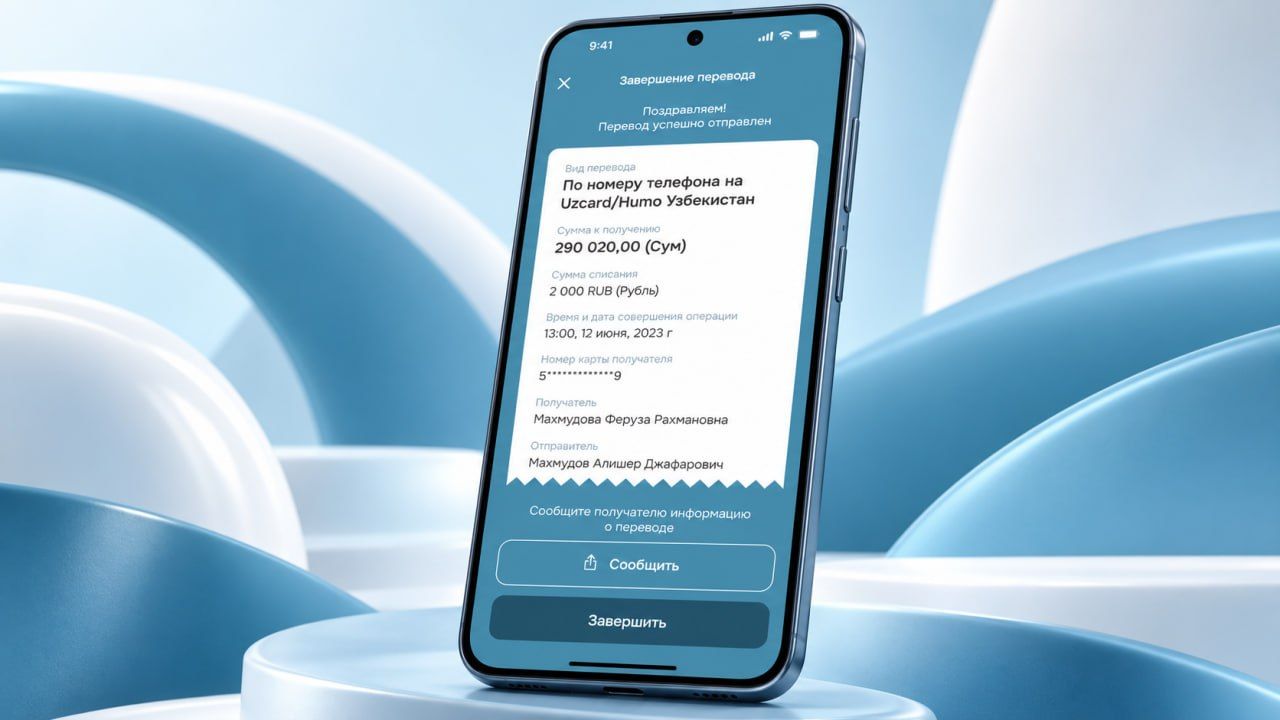
Tap “Pay,” choose a payment method, and complete the transaction. Once the transfer has been successfully sent, a confirmation will appear in the app.
What Should You Check Before Sending?
- Make sure the recipient’s phone number is correct.
- Make sure you have selected the correct card for receiving the money.
Send money to your loved ones in just a few seconds! Open SalamPay and try sending a transfer by phone number.